Searching for Transactions
If you need to view the details of a specific transaction, you can find it with the Transaction Search.
To search for a transaction, the EPASS user needs the Transaction Search security option. See Pulse Security Options for more details.
Steps
-
Start Pulse by clicking its button on the toolbar.

-
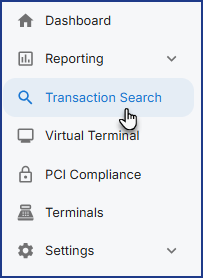
On the left side menu, click Transaction Search.
There are a several filter options to help you narrow your search results.


A You can focus your search on a specific Merchant ID from this dropdown. B Adjust the search date range here. C Filter search results by Processing Network (for example, credit card or debit) D Enter the last four numbers of a card used for payment to find all transactions associated with that card. E Click here for more filtering options, such as account holder name, invoice number, and transaction ID. -
Click Search to view your search results.
-
Click the transaction ID hyperlink to view detailed transaction information.
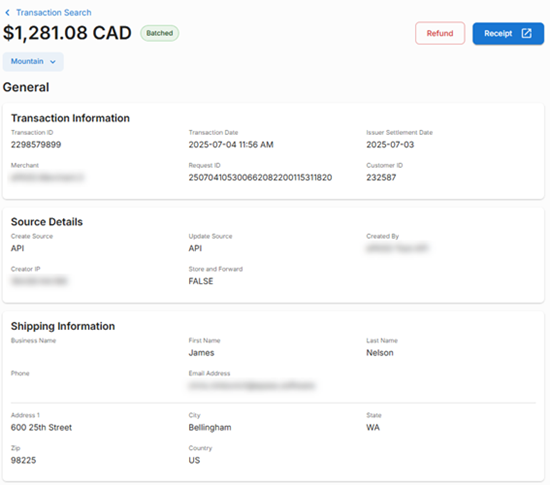
Avoid voiding or refunding a transaction through Pulse, and instead use EPASS. Voids and refunds through Pulse use the virtual terminal and any transactions processed through the virtual terminal are not recorded in EPASS.
See Also
March 19, 2026